No affiliate links or sponsorship. Plans, prices and limitations come from OpenAI’s, Anthropic’s, Google’s, Microsoft’s and Grammarly’s own pages (US prices), checked October 28, 2026. This is a buyer’s guide based on official documentation; we didn’t run writing tests or score output quality.
Quick answer
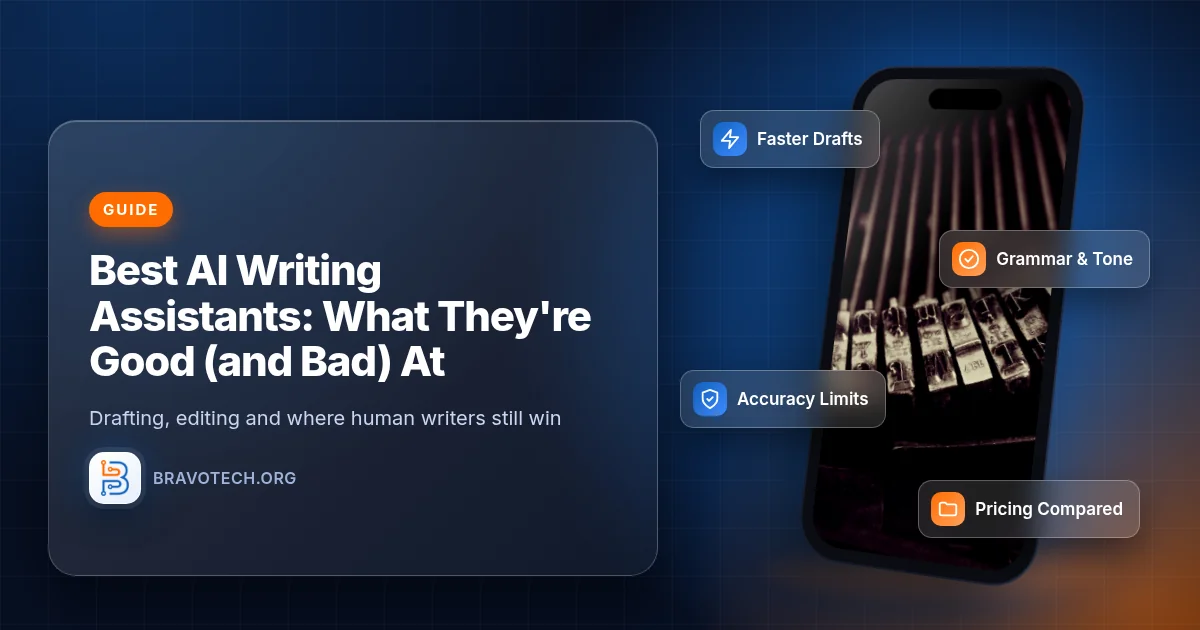
The best AI writing assistant depends on where you write: ChatGPT or Claude for drafting and rewriting in a chat window, Gemini if you write in Gmail and Google Docs, Microsoft Copilot if you write in Word and Outlook, and Grammarly if you mainly want grammar, tone and clarity fixes everywhere you type. All of them are good at first drafts, outlines and edits, and all of them can get facts wrong. OpenAI itself says ChatGPT can sound confident even when it’s wrong and can invent citations, so check every fact before you publish.
Key takeaways
- Free tiers exist for all five: ChatGPT Free, Claude Free, Gemini (free with a Google account), Copilot chat, and Grammarly Free with 100 AI prompts a month.
- Typical paid price: about $20 a month: ChatGPT Plus $20 (monthly only), Claude Pro $20 monthly or $17/month billed annually, Google AI Pro $19.99.
- Built into your apps: Google AI Pro adds Gemini in Gmail and Docs; Microsoft 365 Personal ($99.99/year) adds Copilot in Word, Excel, PowerPoint, Outlook and OneNote.
- Bad at: facts, quotes and sources (hallucinations), your personal voice, and detecting AI text.
- For SEO: Google says AI use isn’t against its guidelines, but mass-producing pages without adding value can count as scaled content abuse.
Our verdict
Start with the free tier of the assistant that lives where you already write. Pay (usually around $20 a month) only once you hit usage limits regularly or need it inside your email and documents.
Treat every AI draft as a first draft. Use it for structure, rewrites and summaries, then add your own knowledge and examples, and verify every number, name, quote and link yourself.
How we compared
We compared plans and documented limitations using each provider’s official pricing and help pages, plus Google Search Central’s guidance on AI content, re-checked October 28, 2026 (PKT). We didn’t run writing tests, so we don’t rank output quality. Prices are US list prices and change often.
AI writing assistants at a glance
| Assistant | Free option | Main paid plan (US) | Best fit |
|---|---|---|---|
| ChatGPT (OpenAI) | Free | Plus: $20/month, billed monthly | General drafting, rewriting, brainstorming |
| Claude (Anthropic) | Free | Pro: $20 monthly, or $17/month billed annually ($200 upfront) | Long drafts and editing in chat |
| Gemini (Google) | Free with 15 GB storage | Google AI Pro: $19.99/month | Writing in Gmail and Google Docs |
| Microsoft Copilot | Copilot chat | Microsoft 365 Personal: $9.99/month or $99.99/year | Writing in Word and Outlook |
| Grammarly | Free: 100 AI prompts/month | Pro: listed at $12 USD | Grammar, tone and clarity everywhere you type |
What AI writing assistants are good at
- Getting past a blank page: outlines, first drafts, headline and subject-line ideas.
- Rewriting: making text shorter, simpler, more formal or friendlier, and fixing grammar.
- Summarizing: turning notes, long emails or documents into short summaries.
- Structure: Google says generative AI can be particularly useful when researching a topic and to add structure to original content (Google Search Central).
For grammar and style tools that aren’t chatbots, see our best writing tools roundup and Grammarly vs ProWritingAid comparison.
What they’re bad at
Facts are the big weakness. OpenAI says that, like any language model, ChatGPT “can produce incorrect or misleading outputs” and “might sound confident—even when it’s wrong”, which is often called a hallucination. Its examples include incorrect dates and facts, fabricated quotes, studies and citations, and overconfident answers to complex questions. OpenAI’s advice is to use ChatGPT “as a first draft, not a final source” (OpenAI Help Center).
Google explains why: generative models don’t retrieve facts but predict a likely sequence of words from their training data, so outputs may contain inaccuracies, and it’s critical to manually fact-check and review AI-generated content before publishing (Google Search Central).
AI detection
Don’t use a chatbot to check whether text was written by AI. OpenAI says ChatGPT “can’t reliably determine whether text was AI-generated or whether it wrote the text” (OpenAI Help Center). Grammarly sells AI detection as a Pro feature (Grammarly), but treat any detector’s result as a hint, not proof.
- Your voice: AI drafts tend to sound generic until you edit in your own experience, examples and opinions.
- Recent or niche information: verify anything time-sensitive, such as prices and versions, against the original source.
- Usage limits: even paid plans have caps; OpenAI says Plus may include usage limits such as message caps, especially during high demand (OpenAI Help Center).
The main options
ChatGPT
OpenAI offers Free, Go, Plus and Pro plans for individuals, and Business and Enterprise for companies, with Business starting at 2 users. It notes the Go plan may include ads (OpenAI). ChatGPT Plus costs $20 a month, billed monthly, and OpenAI says it doesn’t currently offer annual billing for Plus (OpenAI Help Center).
Claude
Anthropic’s Claude has a Free plan, and Pro costs $17 a month with an annual subscription ($200 billed up front) or $20 billed monthly. Max plans start at $100 a month, and the Team plan’s standard seat is $20 per seat per month billed annually or $25 monthly (Anthropic).
Gemini
Google’s free tier includes Gemini and 15 GB of storage. Google AI Plus is $4.99 a month, and Google AI Pro, at $19.99 a month, adds Gemini directly in Gmail, Docs, Vids and other Google apps (Google). Already paying for Google storage? See our Google One storage plans guide.
Microsoft Copilot
Microsoft 365 Personal costs $9.99 a month or $99.99 a year and includes the Word, Excel, PowerPoint, Outlook and OneNote desktop apps with Microsoft Copilot, plus 1 TB of cloud storage, for one person (Microsoft). For business suites, see our Microsoft 365 vs Google Workspace comparison.
Grammarly
Grammarly Free includes spelling and grammar fixes, tone detection and 100 AI prompts a month. Pro is listed at $12 USD (check the billing period at checkout) and includes 2,000 AI prompts per member per month, plagiarism checks and AI-generated text detection (Grammarly).
Privacy and your data
Check training settings before you paste in client or company text. OpenAI says it may use conversations to improve model performance and safety, and that you can opt out of having your data used for training at any time (OpenAI Help Center). Anthropic’s pricing page lists model training as opt-out on its individual plans (Anthropic).
For work documents, business plans such as ChatGPT Business, Claude Team or Microsoft 365 business plans are designed for company use. Our small business cybersecurity checklist covers basic data-handling rules worth setting for your team.
Using AI writing for a website
Google doesn’t ban AI content, but it does penalize low-value content at scale. Google says appropriate use of AI or automation isn’t against its guidelines, as long as it isn’t used to generate content primarily to manipulate search rankings (Google Search Central Blog).
Its current guidance adds that using generative AI to create many pages without adding value for users may violate its spam policy on scaled content abuse, and that fact-checking also applies to metadata such as title elements and meta descriptions (Google Search Central). If you publish with AI help, add first-hand knowledge, check every fact, and edit heavily. Our guides to content marketing for small blogs and SEO tools for small websites cover the rest of the workflow.
Which should you use?
- General drafting and brainstorming: ChatGPT or Claude; try both free tiers.
- You write in Gmail and Google Docs: Gemini, with Google AI Pro for in-app help.
- You write in Word and Outlook: Microsoft 365 Personal with Copilot.
- Grammar and tone across every app: Grammarly.
- Tight budget: free tiers first; Google AI Plus is the cheapest paid AI plan we checked at $4.99 a month.
- Client or confidential work: a business plan, with training settings checked.
FAQ
What is the best AI writing assistant?
There isn’t one best tool for everyone. ChatGPT and Claude are strong general chat assistants, Gemini fits Google Docs and Gmail users, Copilot fits Word and Outlook users, and Grammarly is best for grammar and tone fixes.
Is there a free AI writing assistant?
Yes. ChatGPT, Claude, Gemini and Copilot chat all have free options, and Grammarly Free includes 100 AI prompts a month.
Can AI writing tools get facts wrong?
Yes. OpenAI says ChatGPT can produce incorrect or misleading answers, sound confident when it’s wrong, and invent quotes or citations. Verify every fact yourself.
Will Google penalize AI-written content?
Not for using AI. Google says appropriate use of AI isn’t against its guidelines, but generating many pages without adding value can violate its scaled content abuse policy.
Can ChatGPT tell if text was written by AI?
No. OpenAI says ChatGPT can’t reliably determine whether text was AI-generated, or whether it wrote a piece of text.
How much does ChatGPT Plus cost?
ChatGPT Plus is $20 a month, billed monthly. OpenAI says it doesn’t currently offer annual billing for Plus.
Sources
Official OpenAI, Anthropic, Google, Microsoft and Grammarly pages. All checked October 28, 2026 (PKT).
Show all 9 sources
- OpenAI: ChatGPT pricing
- OpenAI Help Center: What is ChatGPT Plus?
- OpenAI Help Center: Does ChatGPT tell the truth?
- Anthropic: Claude pricing
- Google: Gemini subscriptions (US)
- Grammarly: Plans and pricing
- Microsoft: Compare all Microsoft 365 plans
- Google Search Central: Guidance on using generative AI content
- Google Search Central Blog: Google Search’s guidance about AI-generated content
Changelog
- October 29, 2026: First published. Plans, US prices and documented limitations for ChatGPT, Claude, Gemini, Microsoft 365 Copilot and Grammarly, plus Google Search guidance on AI content, checked against official pages on October 28, 2026. No hands-on writing tests or screenshots.
Related reads