
Apple
-
iMazing vs 3uTools: Which iPhone Manager Should You Use?
iMazing vs 3uTools compared from official pages (checked Oct 27, 2026): iMazing 3.6.5 from Swiss developer DigiDNA with free features…
Read More » -
iCloud vs Google Drive for iPhone Users (2026): Which Should You Use?
iCloud vs Google Drive for iPhone owners: a side-by-side comparison of free storage (5 GB vs 15 GB), US iCloud+…
Read More » -
How to Use Noise Cancellation on AirPods
Turn on Active Noise Cancellation on AirPods Pro, AirPods 4 (ANC), AirPods 5, and AirPods Max from the stem or…
Read More » -
How to Reset AirPods (Every Model)
Reset AirPods by model: hold the case setup button for AirPods 1–3 and Pro 1–2, or double-tap the front of…
Read More » -
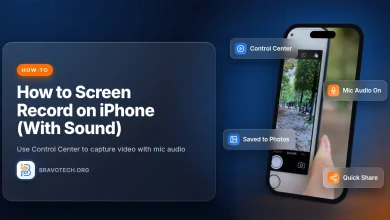
How to Screen Record on iPhone (With Sound)
Add Screen Recording to Control Center, start and stop a recording, turn the microphone on for sound, find clips under…
Read More » -
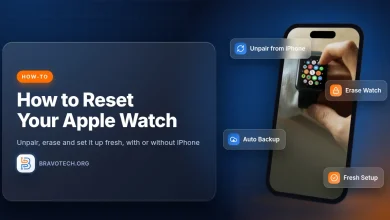
How to Reset Your Apple Watch
Reset an Apple Watch with your iPhone (unpair), without an iPhone (Erase All Content and Settings), or after a forgotten…
Read More » -
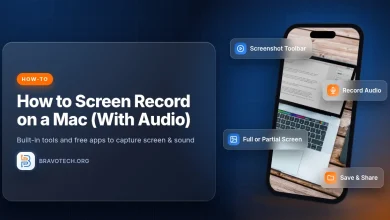
How to Screen Record on a Mac (With Audio)
Screen record on a Mac with Shift-Command-5 (entire screen, a window or a portion) or QuickTime Player, add microphone audio…
Read More » -
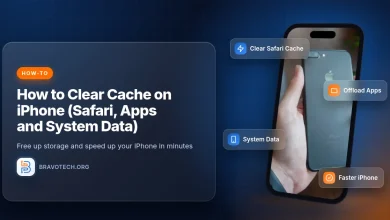
How to Clear Cache on iPhone (Safari, Apps and System Data)
Clear Safari's cache on iPhone with Clear History and Website Data, or keep your history and remove website data only.…
Read More » -
How to Reset or Factory Reset Your iPhone
How to factory reset an iPhone with Erase All Content and Settings, a Mac or PC, or the Forgot Passcode?…
Read More » -

iPad 5th Generation Review (2026): What Still Works and What Doesn’t
It has been nearly a decade since Apple launched the iPad 5th Generation, and while you can still find them…
Read More »