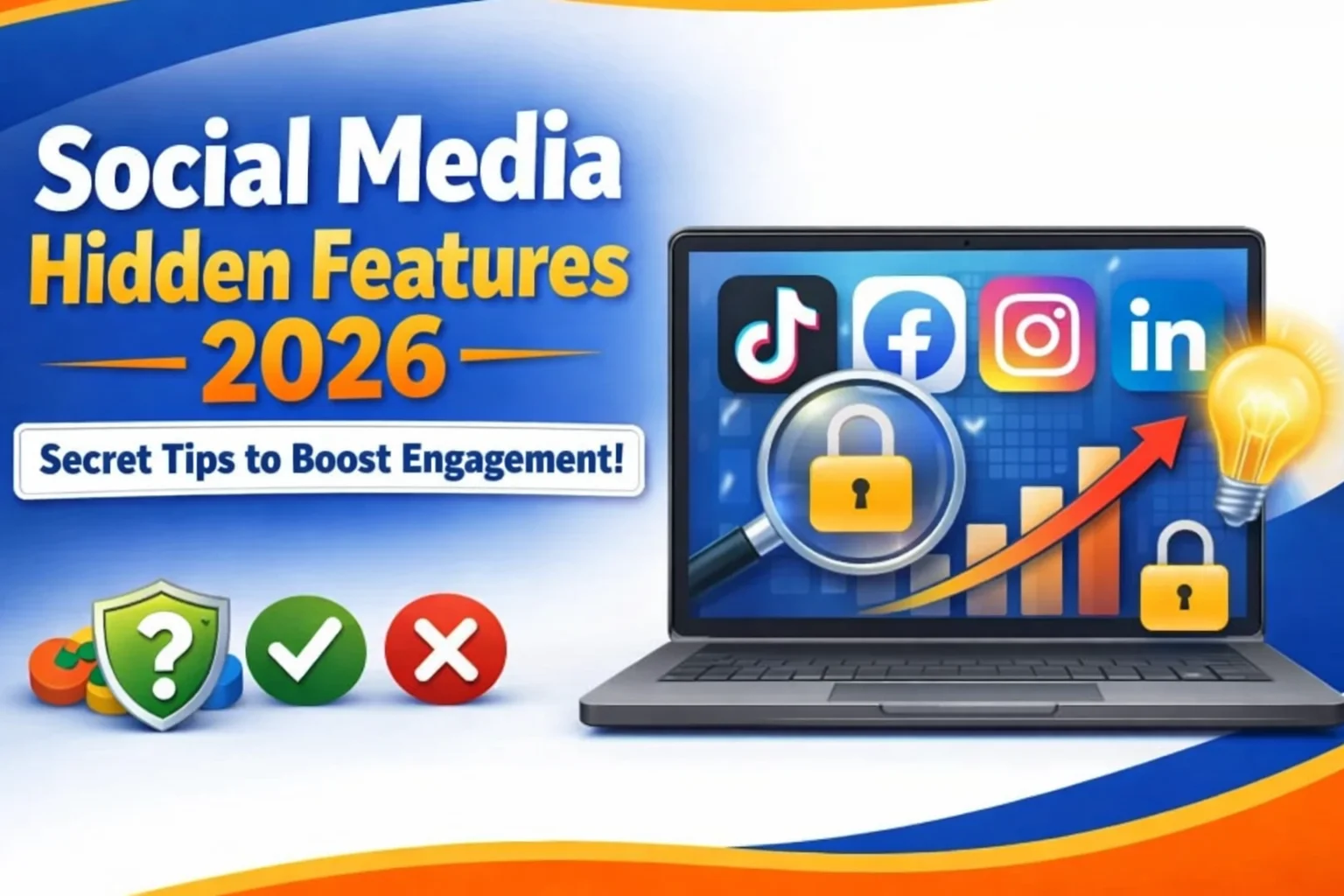
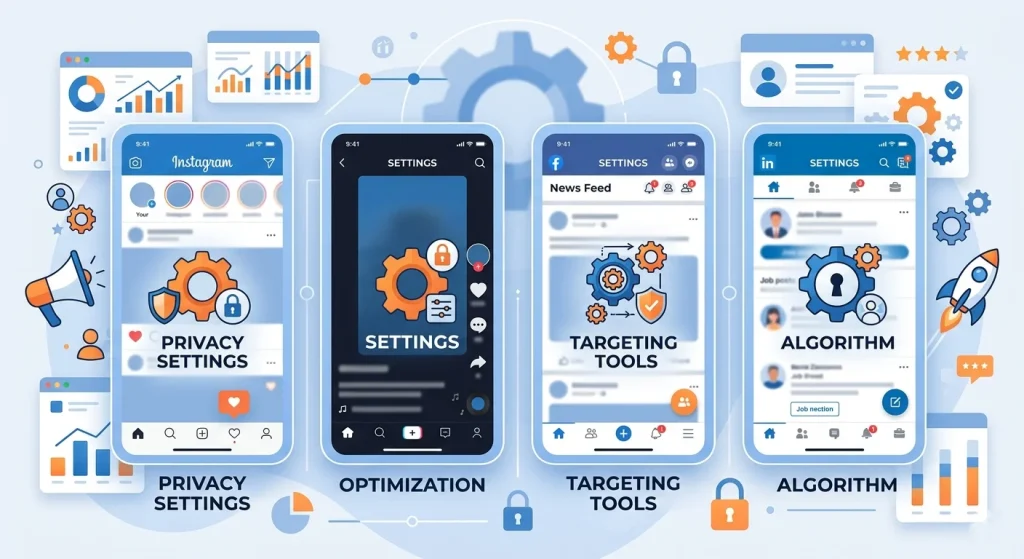
Most people use social media at a surface level, scroll, like, post, repeat. But platforms like Instagram, TikTok, Facebook, and LinkedIn are packed with hidden features that can save time, improve privacy, and even boost growth.
This guide uncovers those social media hidden features, the ones algorithms quietly reward, and power users rely on.
According to social media usage statistics, billions of users actively engage with platforms daily.
Why Do Social Media Platforms Hide Features?
To reduce clutter and guide user behavior.
Platforms prioritize simplicity on the surface while keeping advanced tools slightly buried.
Here’s what actually happens behind the scenes:
- Tech companies run constant A/B testing to see which features users engage with
- Advanced tools are often released quietly before wider rollout
- Some features are intentionally hidden to prevent misuse (like spam or botting)
Fact: According to industry reports from sources like Statista and Meta transparency updates, over 60% of platform updates are incremental and not publicly announced, which means most users never notice them.
Hidden Instagram Features Most Users Miss
1. Restrict Instead of Blocking
You can limit someone’s interaction without them knowing.
It’s like a silent block.
- Their comments become visible only to them
- Messages go to requests
- They don’t see when you’re online
Useful for dealing with spam or toxic followers without drama.
2. Close Friends for Targeted Content
Share stories with a selected group only.
This boosts engagement and builds stronger audience connections.
- Great for creators, coaches, or brands
- Improves story reply rate
- Builds exclusivity
Fact: Instagram engagement rates can increase by up to 30% when content feels exclusive (based on social media marketing benchmarks).
You can explore more through official Instagram features and tools to understand how these options work.
3. Hidden Hashtags Trick
You can hide hashtags without removing them.
Just add them in the first comment or behind line breaks.
- Keeps captions clean
- Still improves reach
- Helps with SEO inside Instagram
4. Remix Reels Feature
You can collaborate or react to others’ reels directly.
It’s similar to TikTok’s duet feature.
- Boosts visibility through shared audiences
- Encourages viral interaction
- Works well with trends

TikTok Hidden Features That Boost Reach
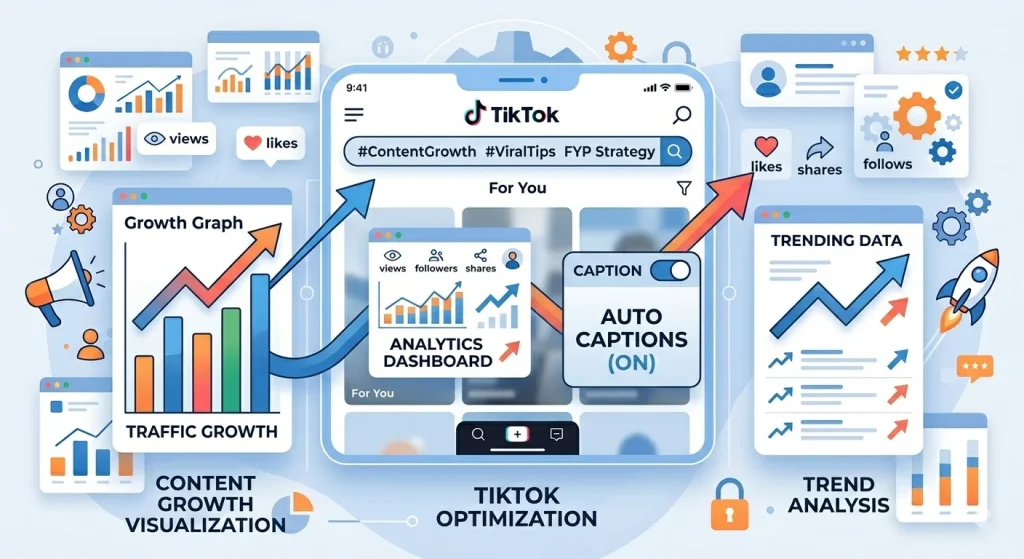
1. TikTok Search Optimization (SEO Hack)
According to Google, TikTok is becoming a search engine, especially among younger users.
You can rank your videos using keywords.
- Add keywords in captions
- Speak keywords in the video
- Use text overlays
Fact: Google confirmed that younger users increasingly use TikTok for search, especially for tutorials and reviews.
2. Screen Time Dashboard
TikTok lets you track and limit usage.
It’s hidden under digital wellbeing settings.
- Set daily limits
- Reduce distractions
- Improve productivity
3. Auto Captions = More Reach
Videos with captions perform better.
TikTok auto-generates subtitles.
You can learn more about the TikTok auto captions feature from the official guide.
- Improves accessibility
- Increases watch time
- Helps SEO
Fact: Videos with captions can see up to 12% higher watch time (based on multiple social media studies).
4. Hidden “Not Interested” Algorithm Control
You can train your feed manually.
Hold a video → tap “Not Interested.”
- Improves content relevance
- Cleans your feed
- Signals the algorithm
Facebook Hidden Features You Didn’t Know
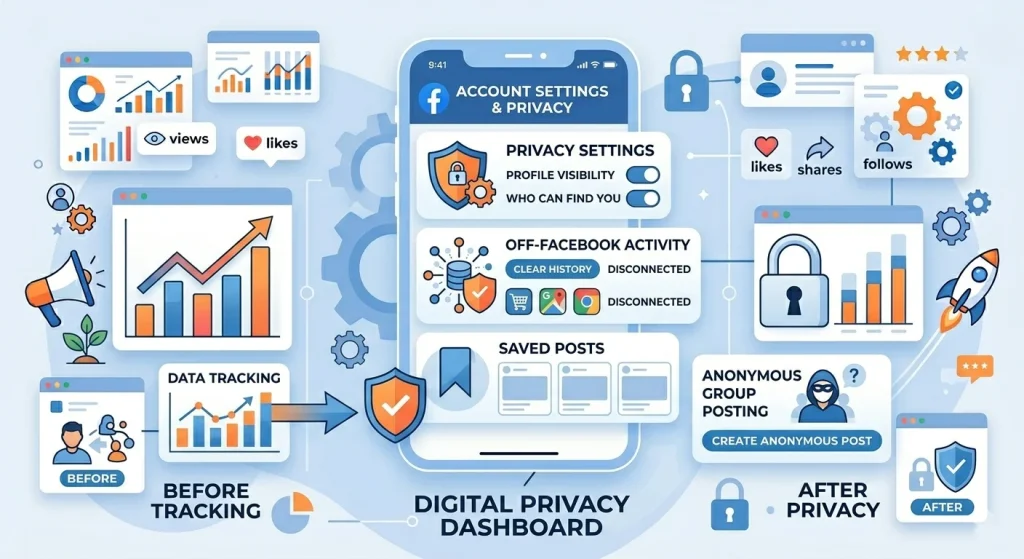
1. Off-Facebook Activity Control
You can see and clear the data Facebook collects from other websites.
This is a major privacy feature.
You can directly manage your off-Facebook activity through Facebook settings.
- Manage ad tracking
- Disconnect apps
- Control personalization
Fact: Facebook tracks interactions from thousands of external sites unless manually restricted.
2. Save Posts for Later
You can bookmark content privately.
No need to like or share.
- Save videos, links, posts
- Organize content
- Revisit later
3. Anonymous Posting in Groups
Some groups allow anonymous posts.
Admins approve them before publishing.
- Great for sensitive questions
- Encourages honest discussions
- Protects identity
LinkedIn Hidden Features for Professionals
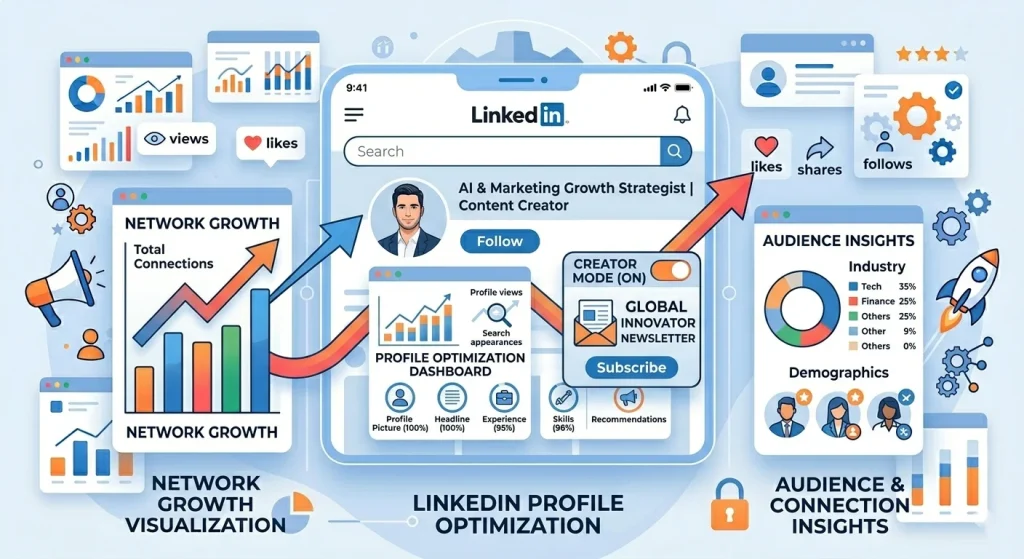
1. Creator Mode
Turn on Creator Mode to grow your audience.
It changes your profile layout and boosts content visibility.
Learn how to enable LinkedIn Creator Mode step by step from the official guide.
- Adds “Follow” button
- Highlights content
- Improves reach
2. LinkedIn Newsletters
You can create your own newsletter inside LinkedIn.
Followers get notified automatically.
- Builds authority
- Drives consistent engagement
- Great for personal branding
Fact: LinkedIn reports higher engagement rates on newsletters compared to regular posts.
3. Profile SEO Optimization
LinkedIn profiles rank on Google.
Use keywords in your headline and summary.
- Improves discoverability
- Attracts recruiters
- Builds authority
Hidden Features Across All Platforms
1. Draft Content Feature
Most platforms allow saving drafts.
Perfect for planning content.
- Avoid posting mistakes
- Batch content creation
- Maintain consistency
2. Insights & Analytics Tools
Answer-first: Built-in analytics show what works.
Most users ignore them.
- Track engagement
- Find the best posting times
- Understand audience
Fact: Businesses using analytics tools are 2x more likely to improve engagement (based on marketing research data).
Check the latest social media engagement benchmarks to understand performance trends.
3. Dark Mode (Yes, It Matters)
Dark mode reduces eye strain and saves battery.
It also improves user experience.
- Better readability at night
- Less screen fatigue
- Popular among users
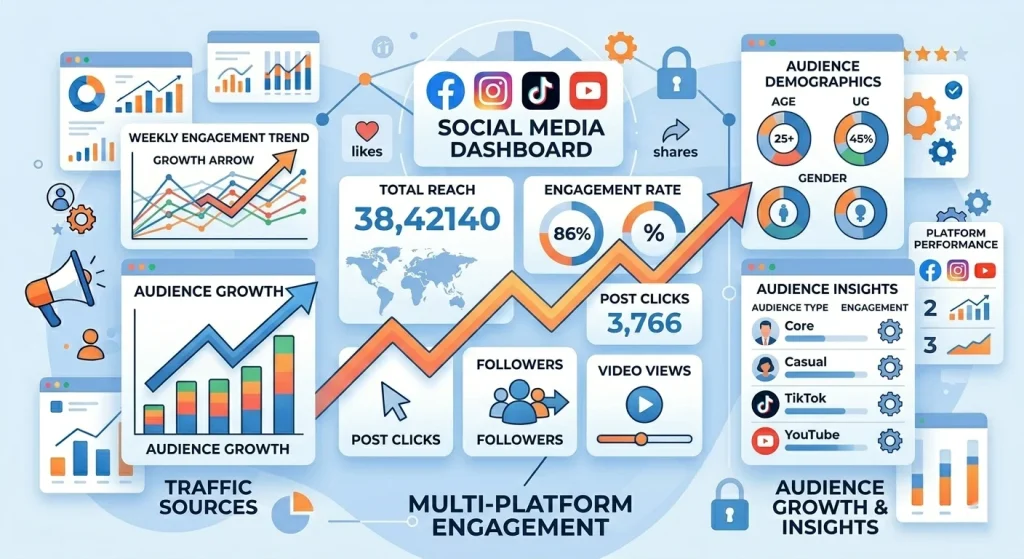
How Hidden Features Impact Growth & SEO
Using hidden features gives you a competitive edge.
It helps both visibility and engagement.
Here’s how:
- Platforms reward advanced feature usage
- Engagement signals improve ranking
- Better UX leads to longer session time
Fact: Social algorithms prioritize watch time, interactions, and retention, all improved by using these features.
Common Mistakes to Avoid
Most people ignore or misuse these features.
That limits growth.
Avoid these:
- Ignoring analytics
- Overusing hashtags
- Not optimizing captions
- Posting without a strategy
- Ignoring audience signals
Pro Tips from a Senior SEO Strategist
Treat social media like a search engine.
Optimization matters as much as creativity.
Here’s what works best:
- Use keywords naturally in captions
- Focus on user intent
- Create value-driven content
- Test and adapt regularly
Think of each post as a mini blog optimized for discovery.
Final Thoughts
Social media isn’t just about posting; it’s about using the platform intelligently.
These social media hidden features are not tricks; they’re tools. And when used correctly, they can:
- Increase reach
- Improve engagement
- Strengthen privacy
- Save time
Most users never explore these features. That’s your advantage.